Malware scan summary
Review apps scanned, PUA found, listed files, and scan status before taking action.
Android tools app
Mobile device security, status, storage, and file review tools in one clean dashboard. Review malware scan summaries, RAM, CPU, battery, app status, and routine file categories without jumping between screens.
Store details
Core Security is listed on Google Play as a Tools app by KAB JEUX. The current store listing describes it as "Core Security - Mobile Device Security."
Core features
The app keeps scan results, phone status, storage categories, and file review tools close together so routine maintenance feels direct and understandable.
Review apps scanned, PUA found, listed files, and scan status before taking action.
Check RAM, CPU cores, battery level, and app status from the main dashboard.
Browse images, videos, docs, audios, zips, Android, DCIM, Documents, Download, Music, and Pictures.
Inspect redundant files, large files, duplicate files, recent files, APKs, screenshots, temp files, media trash, and logs.
Screens
Core Security uses large labels, visible status values, and focused task screens so users can quickly understand what they are reviewing.
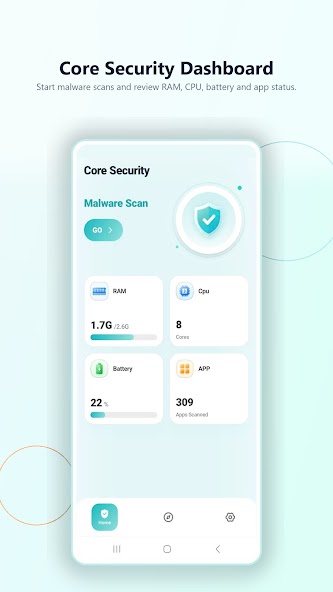
Start with scan access and device status in one view.
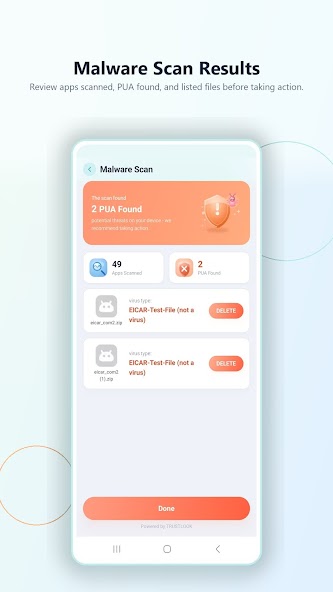
Review apps scanned, listed files, PUA, and virus result counts.
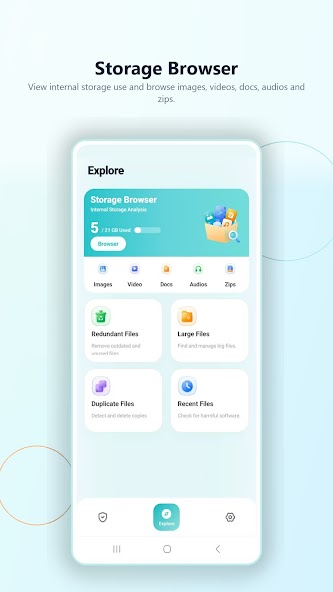
View internal storage and common file categories.
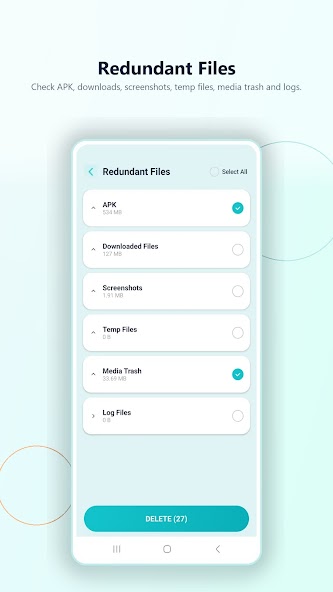
Review APK, downloaded, screenshot, temp, trash, and log groups.
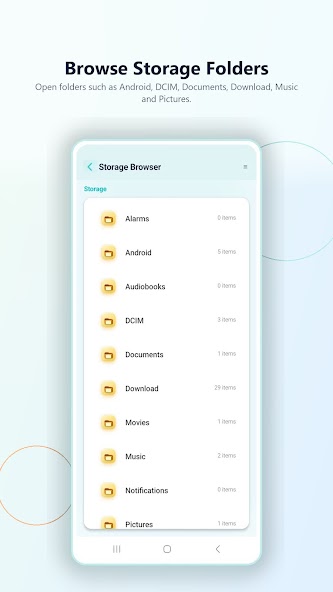
Open familiar directories such as Download, Music, Pictures, and DCIM.
Privacy and safety
The Google Play data safety section currently states that Core Security may share and collect app activity, app info and performance, and device or other IDs. It also states data is encrypted in transit.